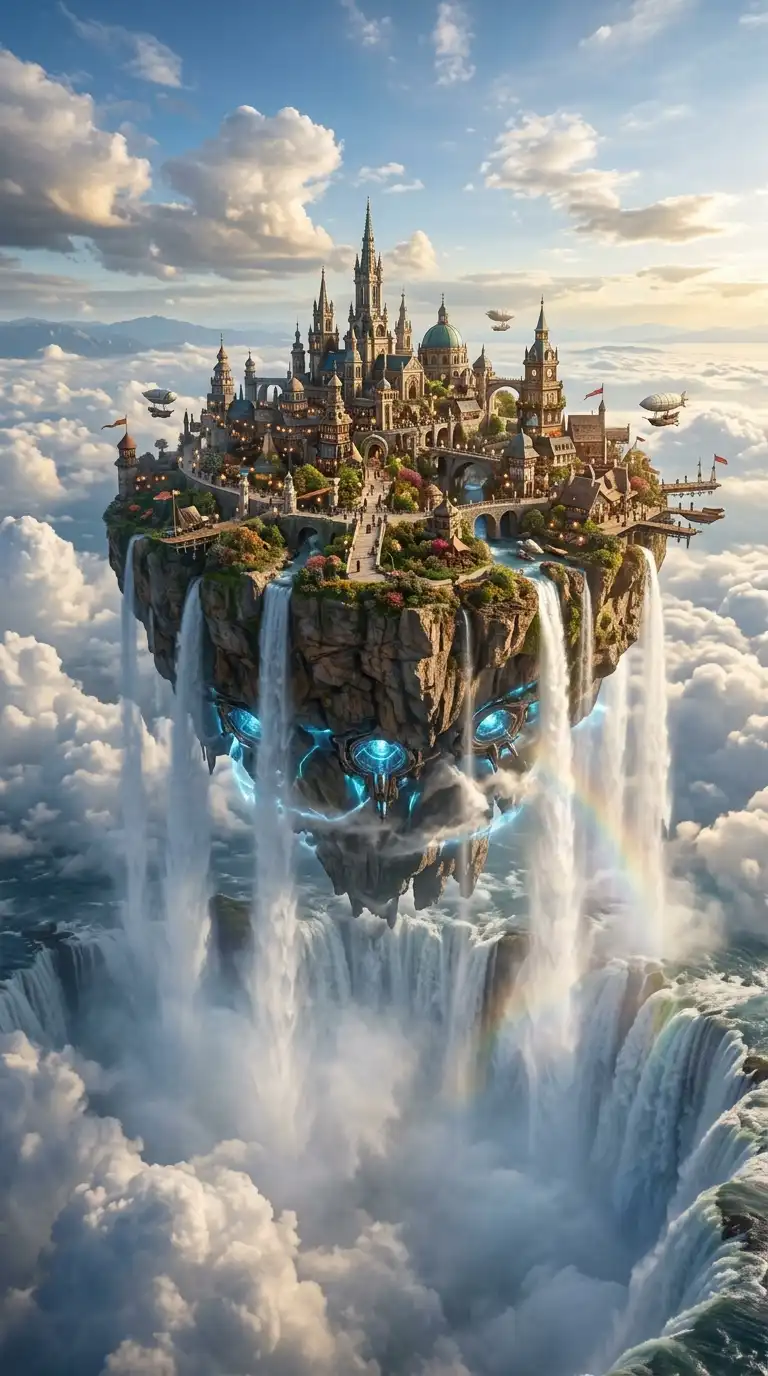
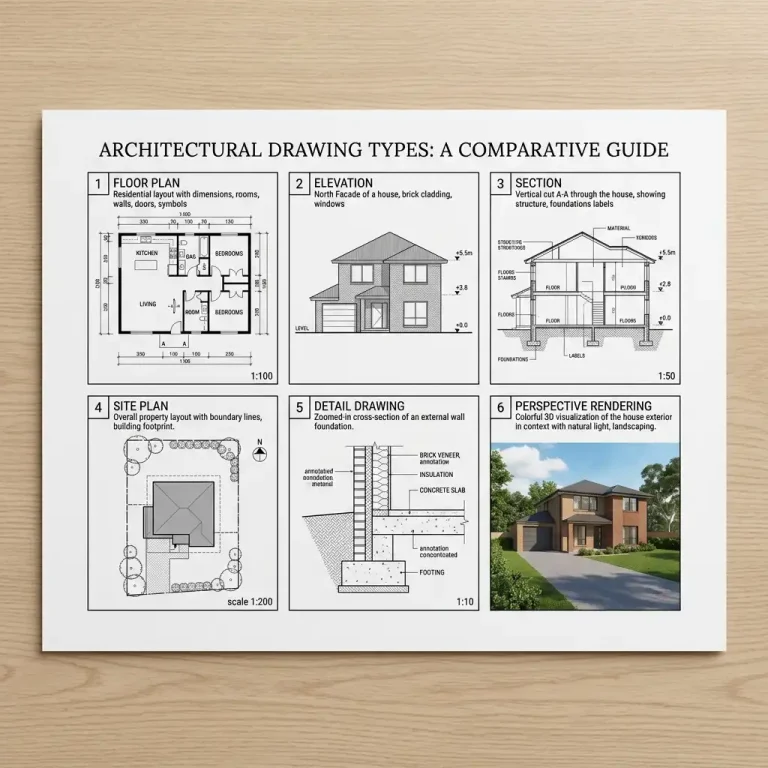
An architecture presentation is not just a display of drawings. It is a performance. The goal is to communicate a design clearly, persuasively, and memorably. A great presentation makes the audience understand not only what the building looks like, but why it matters.
These 12 architecture presentation ideas span layout techniques, narrative structures, and delivery methods. Each idea includes defining characteristics, practical applications, and strategies for impact.
1. The Single-Page Manifesto
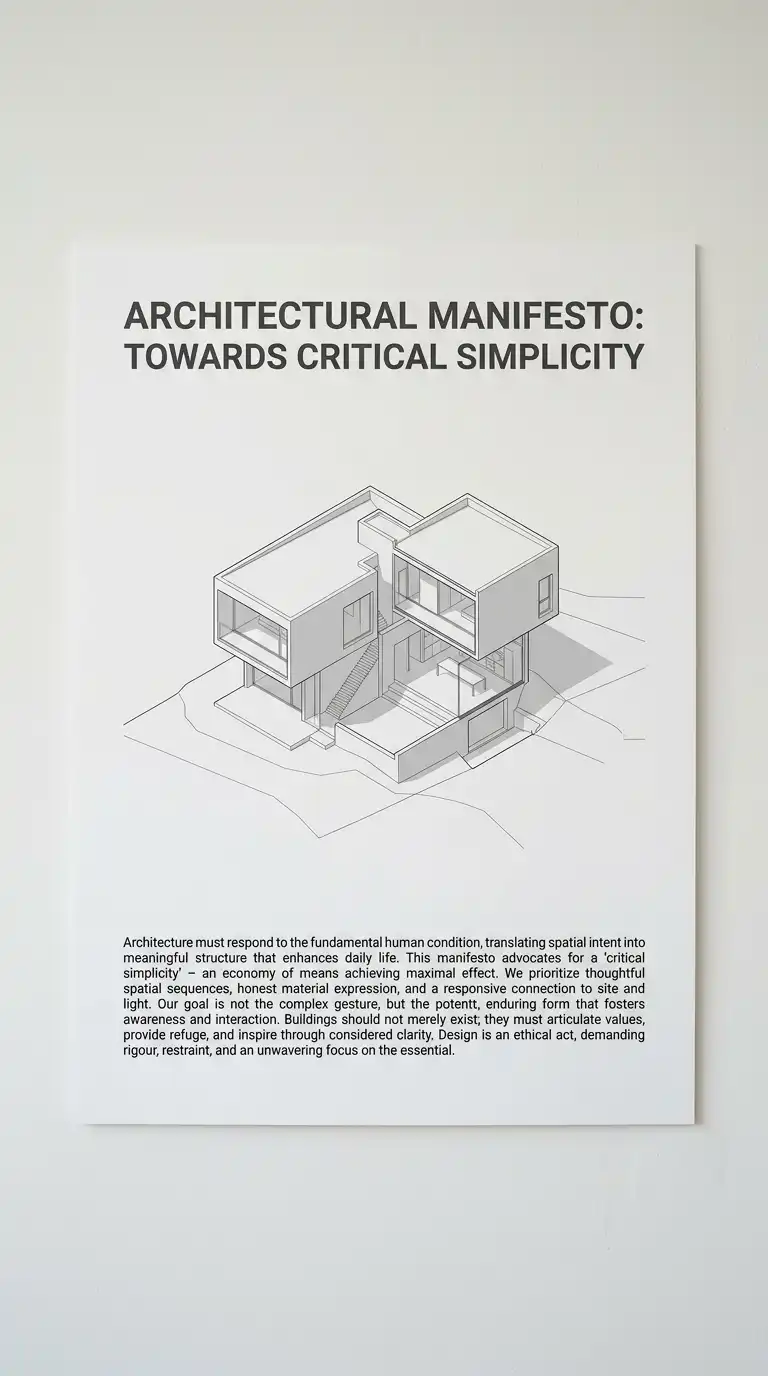
The single-page manifesto presents the entire project on one large sheet. The sheet contains a key drawing (plan, section, or perspective), a short text (no more than 100 words), and a title. Nothing else.
This presentation type forces clarity. If you cannot explain your project on one page, you do not understand it. The emotional effect is bold, confident, and memorable.
Quick Tips
- Choose one drawing that explains the entire project.
- Write the text last — it should summarise, not describe.
- Leave generous white space around the drawing and text.
2. The Before-and-After Presentation
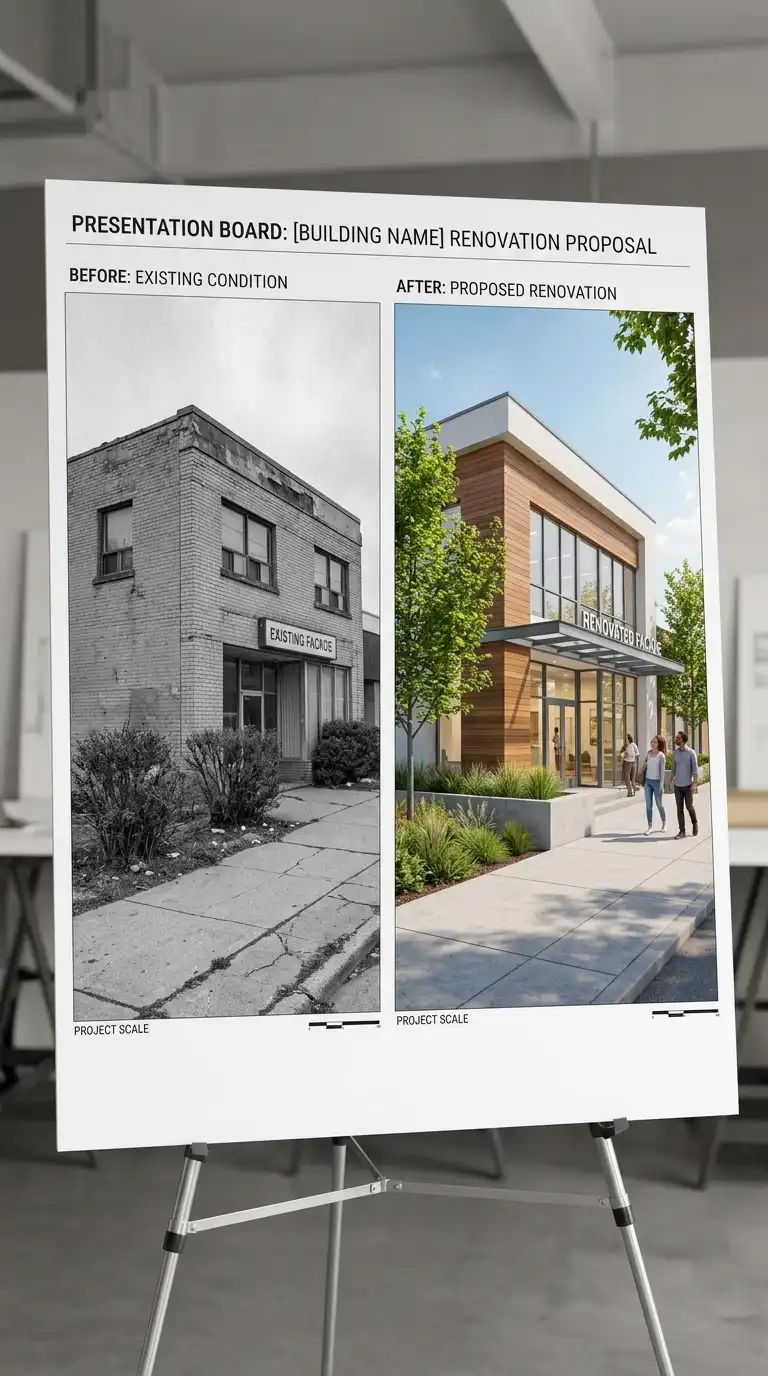
The before-and-after presentation shows the existing site or building alongside the proposed design. The two images are the same scale, same orientation, and same viewpoint. The comparison is direct and powerful.
This presentation type is ideal for renovations, additions, and urban design projects. The emotional effect is persuasive, dramatic, and immediately understandable.
Quick Tips
- The before and after images must be exactly the same scale and viewpoint.
- Use colour for the proposed design, greyscale for the existing.
- A slider or flip-book format works well for digital presentations.
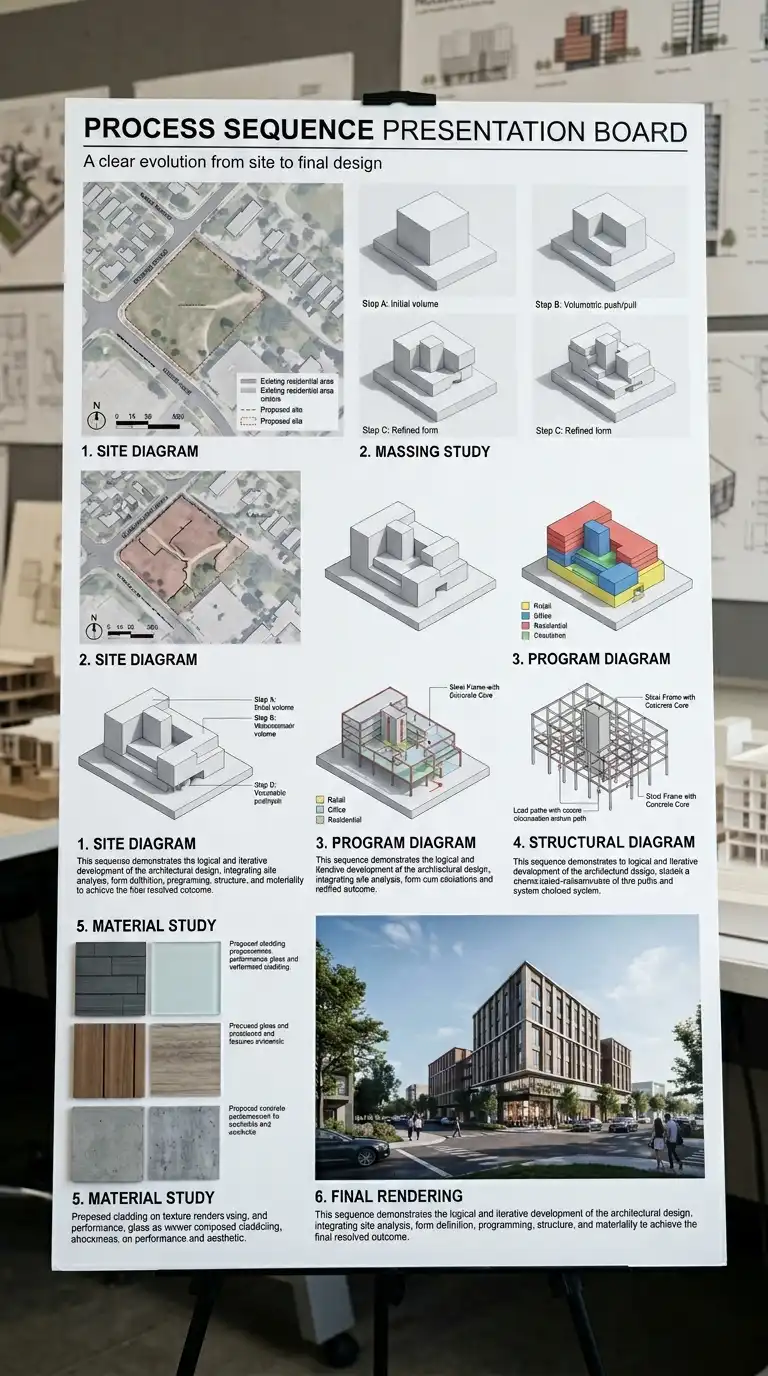
3. The Process Sequence Presentation
The process sequence presentation shows the design evolving over time. A series of diagrams, sketches, or models shows the project from first concept to final design. The sequence might have 3-10 steps.
This presentation type demonstrates how you think. It proves that the final design was earned, not stumbled upon. The emotional effect is intellectual, transparent, and persuasive.
Quick Tips
- Number each step so the sequence is clear.
- Each step should have a short caption explaining the change.
- The final step should be the only one with full detail.
4. The Site-Specific Presentation
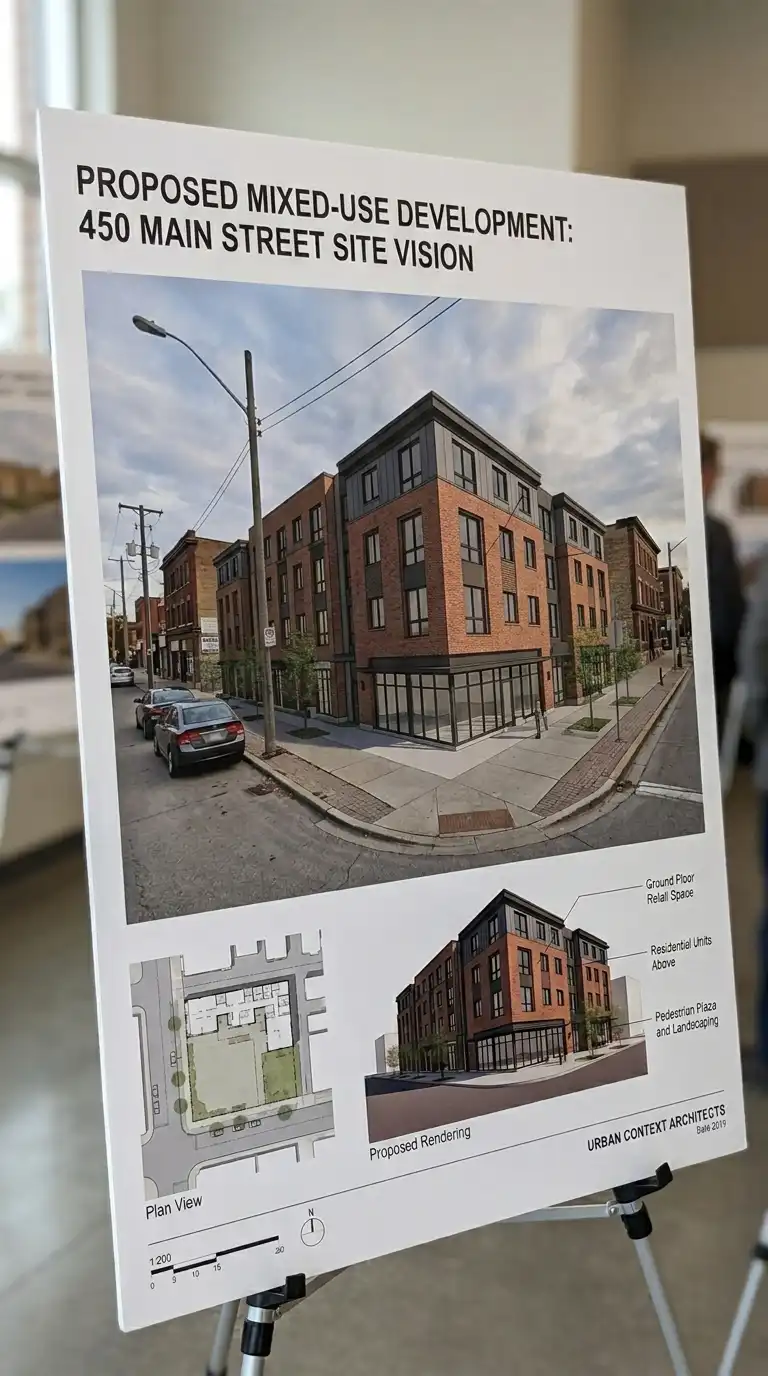
The site-specific presentation integrates the proposed building into photographs of the site. A rendering of the building is overlaid onto a photograph of the empty site. The building is drawn at the correct scale and perspective.
This presentation type answers the most important question: how does this belong here? The emotional effect is contextual, realistic, and persuasive.
Quick Tips
- Use a high-quality site photograph taken from the most important viewpoint.
- Match the perspective of the rendering exactly to the photograph.
- The rendering should be semi-transparent or use the same light as the photograph.
5. The Narrative Presentation
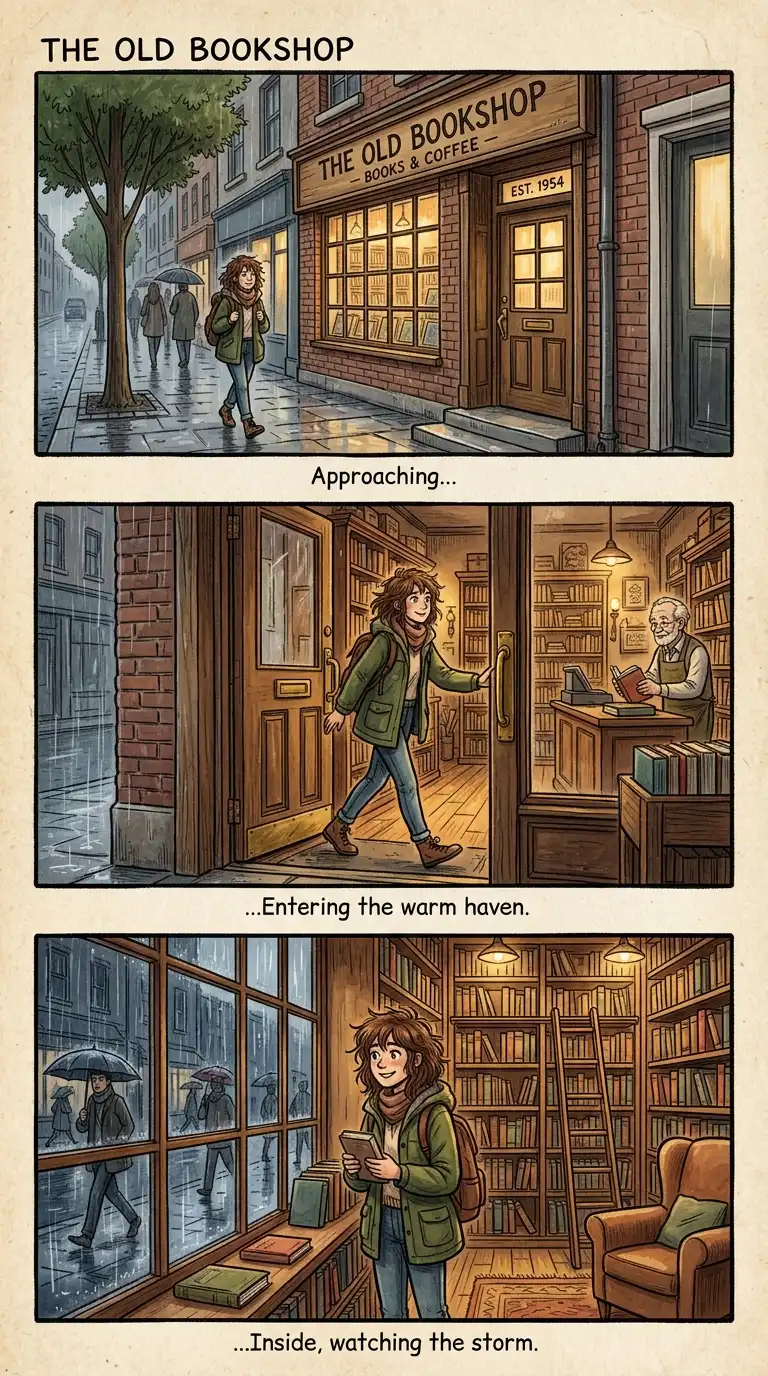
The narrative presentation tells a story. The story might be a day in the life of the building, the history of the site, or the journey of the architect. The presentation is organised like a book, with a beginning, middle, and end.
This presentation type is ideal for competitions and public presentations. The emotional effect is engaging, memorable, and human.
Quick Tips
- Write the story before you make the images.
- Each image should advance the story, not repeat it.
- Use a consistent graphic style across all images.
6. The Material-First Presentation
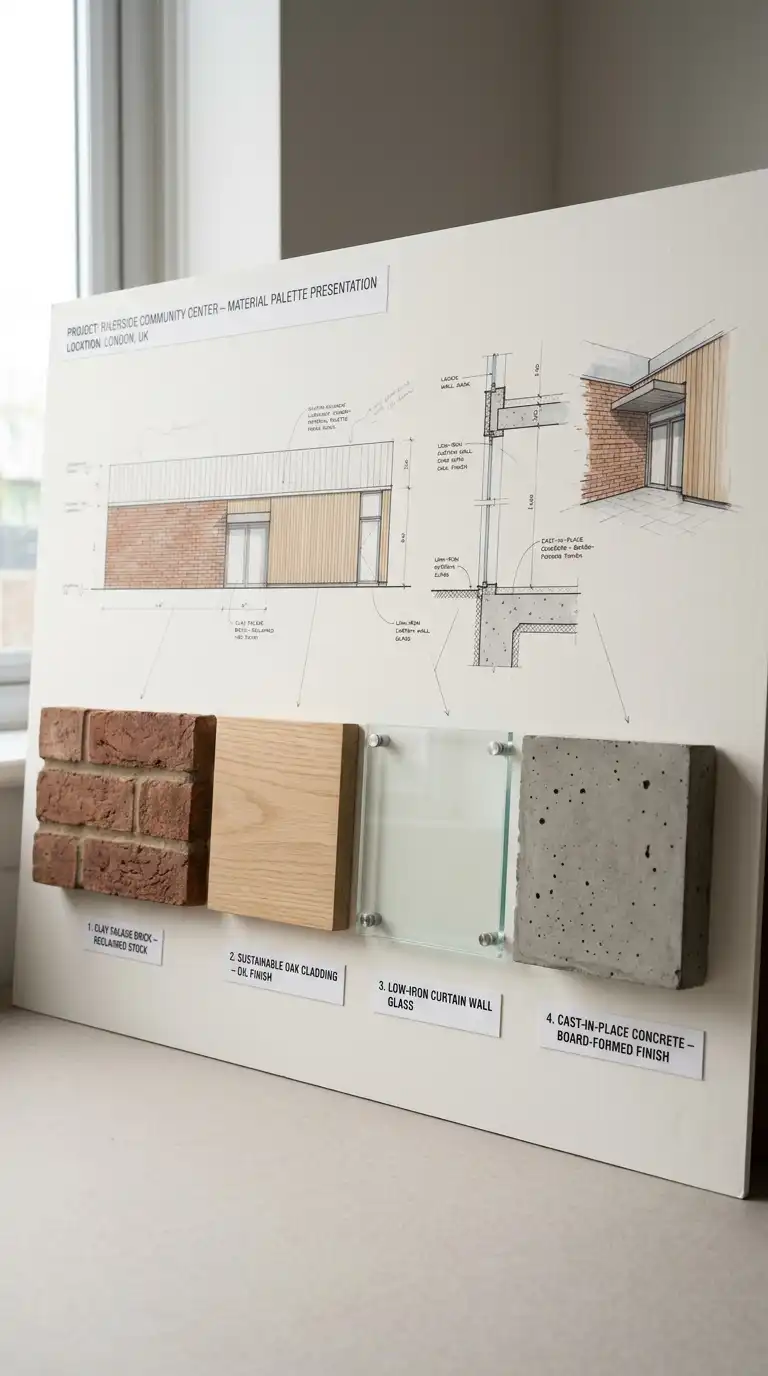
The material-first presentation prioritises material samples over drawings. The board includes actual samples of stone, wood, concrete, glass, and metal. The samples are arranged in a composition that reflects the building’s material strategy. Drawings are secondary — small and in the background.
This presentation type is ideal for clients who care about craft and quality. The emotional effect is tactile, sensory, and materially intelligent.
Quick Tips
- Use actual material samples, not photographs.
- Arrange samples in the same proportions they will appear in the building.
- Label each sample with name, supplier, and finish.
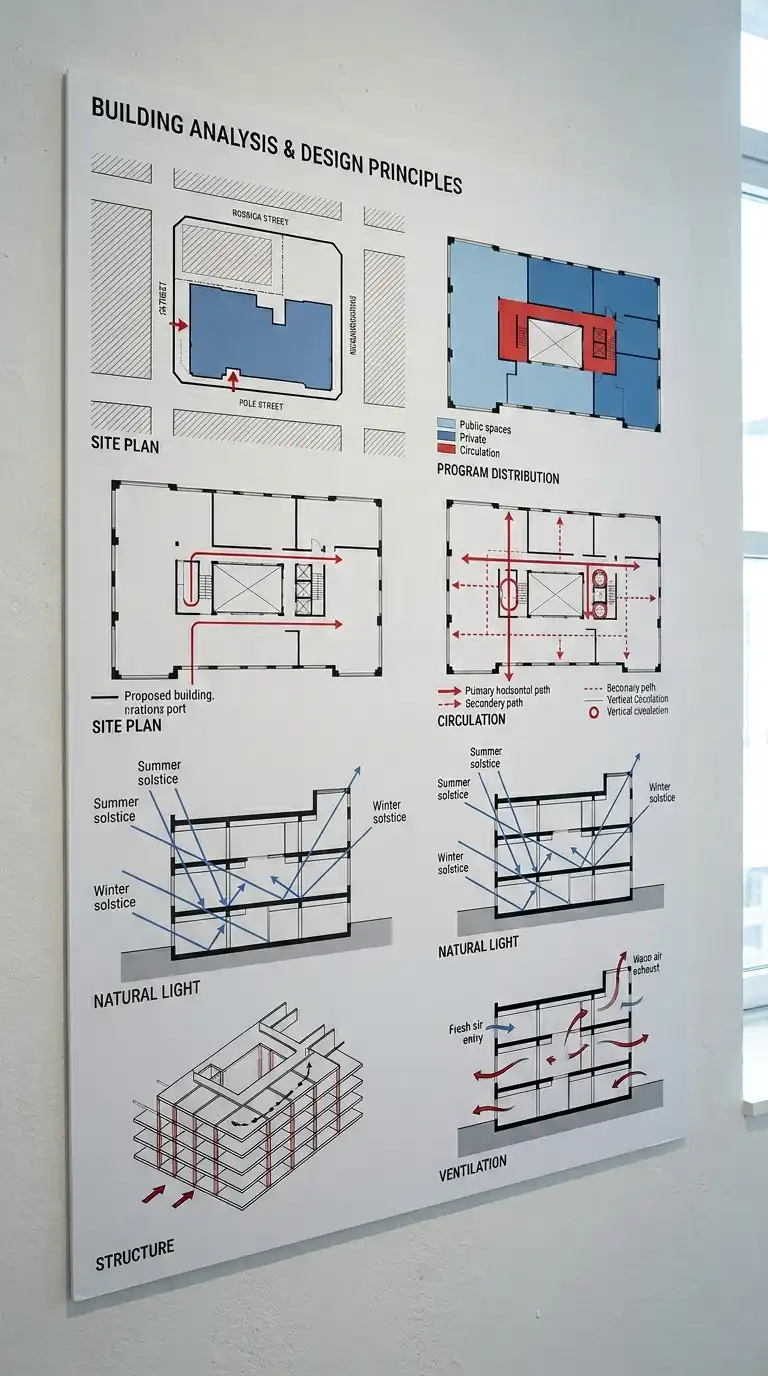
7. The Diagram-Only Presentation
The diagram-only presentation uses no renderings, no photographs, no material samples. Only diagrams. The diagrams explain the building’s organisation: program, circulation, structure, light, ventilation, site. Each diagram is simple, graphic, and colour-coded.
This presentation type is ideal for academic juries and technical reviews. The emotional effect is analytical, clear, and intellectually rigorous.
Quick Tips
- Use no more than three colours across all diagrams.
- Each diagram should explain a single idea.
- Arrange diagrams in a logical sequence.
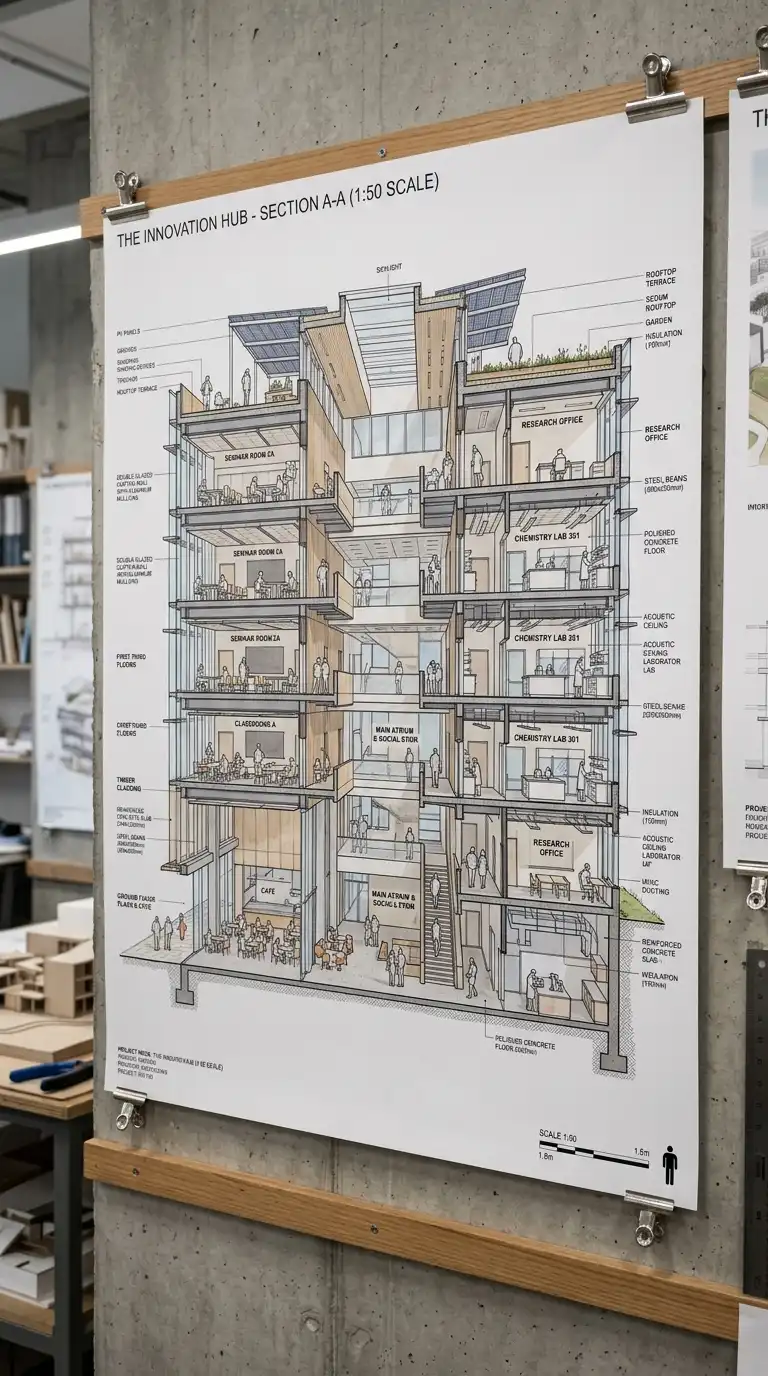
8. The Large-Scale Section Presentation
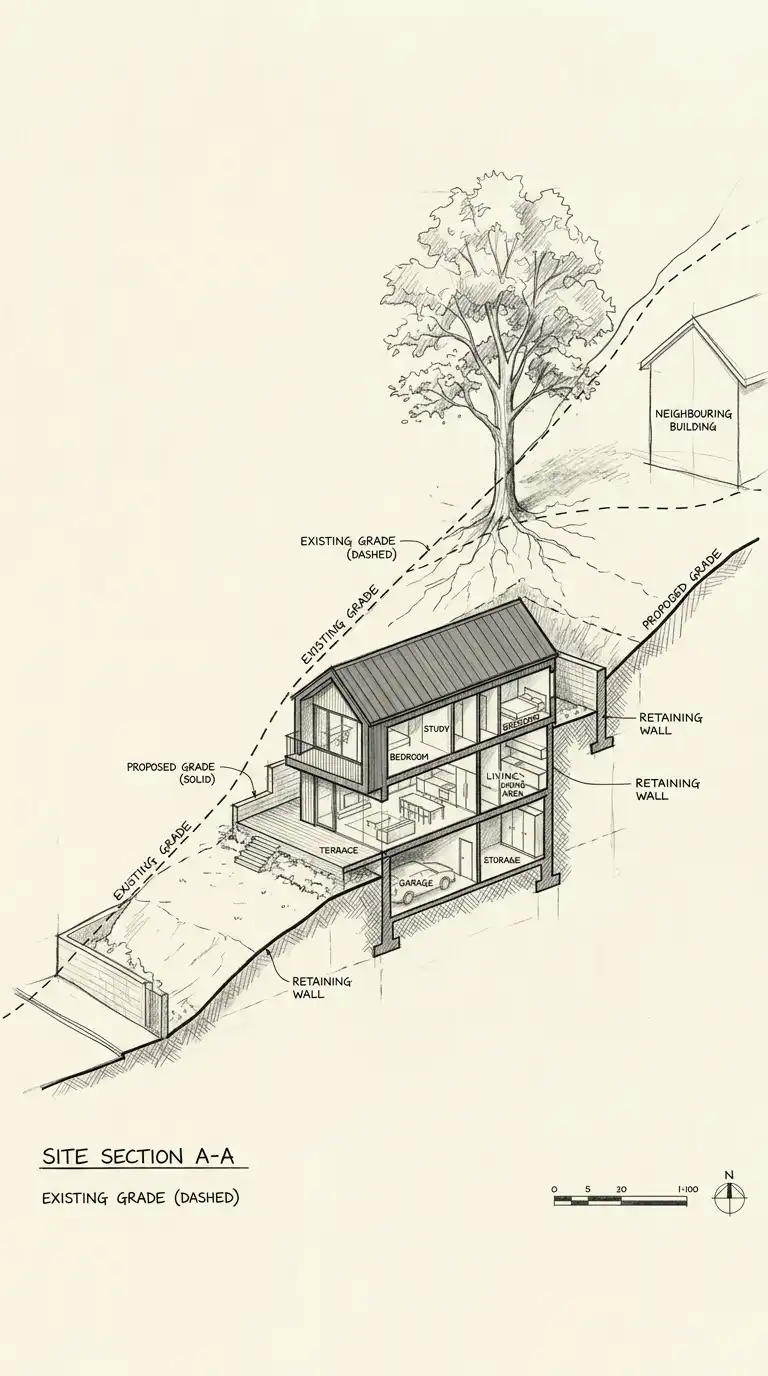
The large-scale section presentation uses a single section drawing at a very large scale. The section is printed at 1:50 or 1:20, covering an entire wall. The drawing shows structure, material, program, and human figures at the same scale.
This presentation type is ideal for explaining complex spatial and structural ideas. The emotional effect is immersive, detailed, and impressive.
Quick Tips
- Print the section at the largest scale possible — 1:50 or larger.
- Include human figures at the same scale.
- Annotate the section with material notes and design intentions.
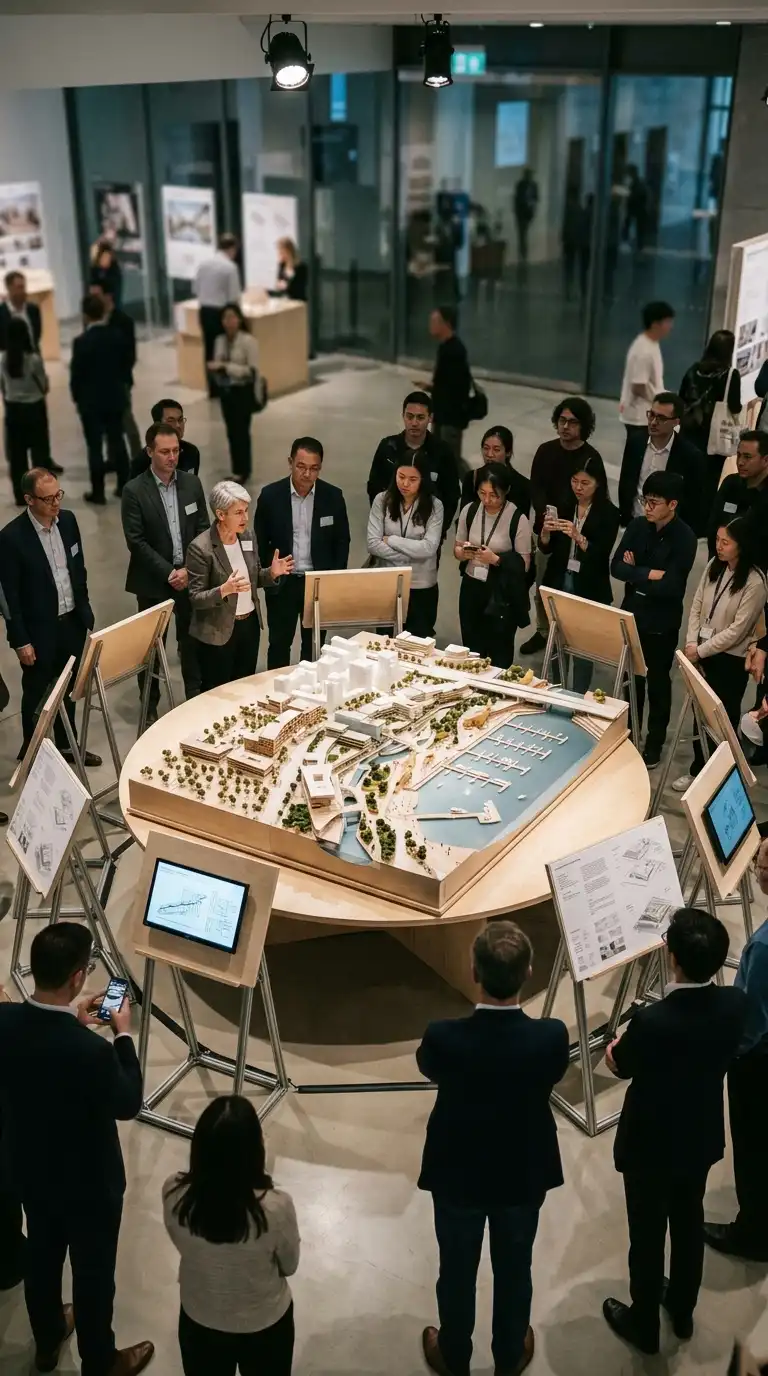
9. The Model-First Presentation
The model-first presentation places a physical model at the centre of the presentation. Drawings are secondary — small panels around the model. The audience gathers around the model while the presenter points to specific parts.
This presentation type is ideal for design reviews and client meetings. The emotional effect is tactile, three-dimensional, and engaging.
Quick Tips
- The model should be large enough to be seen from 1-2 metres away.
- Use a rotating turntable so all sides can be seen.
- Drawings should be on small panels, not competing with the model.
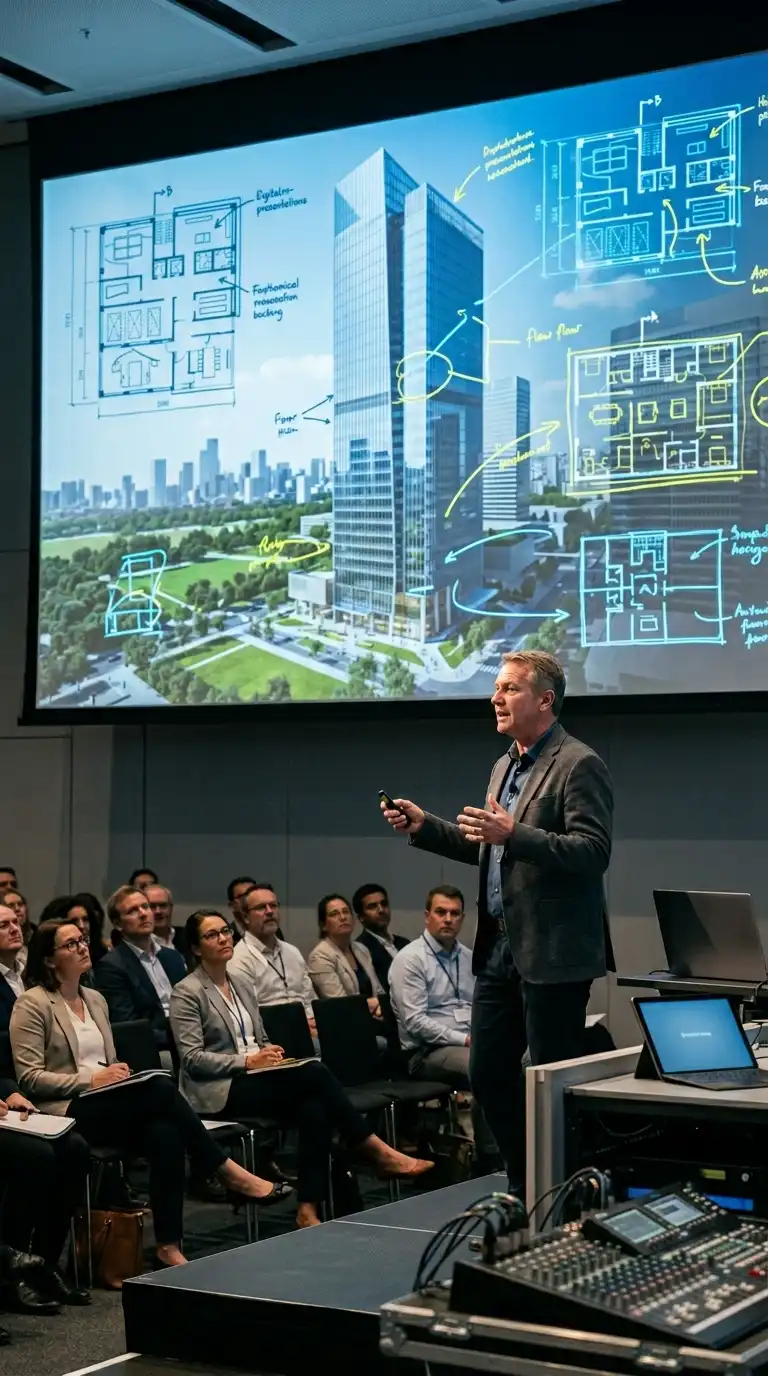
10. The Digital Interactive Presentation
The digital interactive presentation uses a screen or projector to show a dynamic presentation. The presenter controls the sequence: zooming into details, switching between drawings, overlaying diagrams on renderings. The presentation is a performance.
This presentation type is ideal for virtual reviews and large audiences. The emotional effect is dynamic, controlled, and professional.
Quick Tips
- Rehearse the transitions — smooth movement is essential.
- Do not read from slides. The slides support you, not replace you.
- Have a backup PDF in case of technical failure.
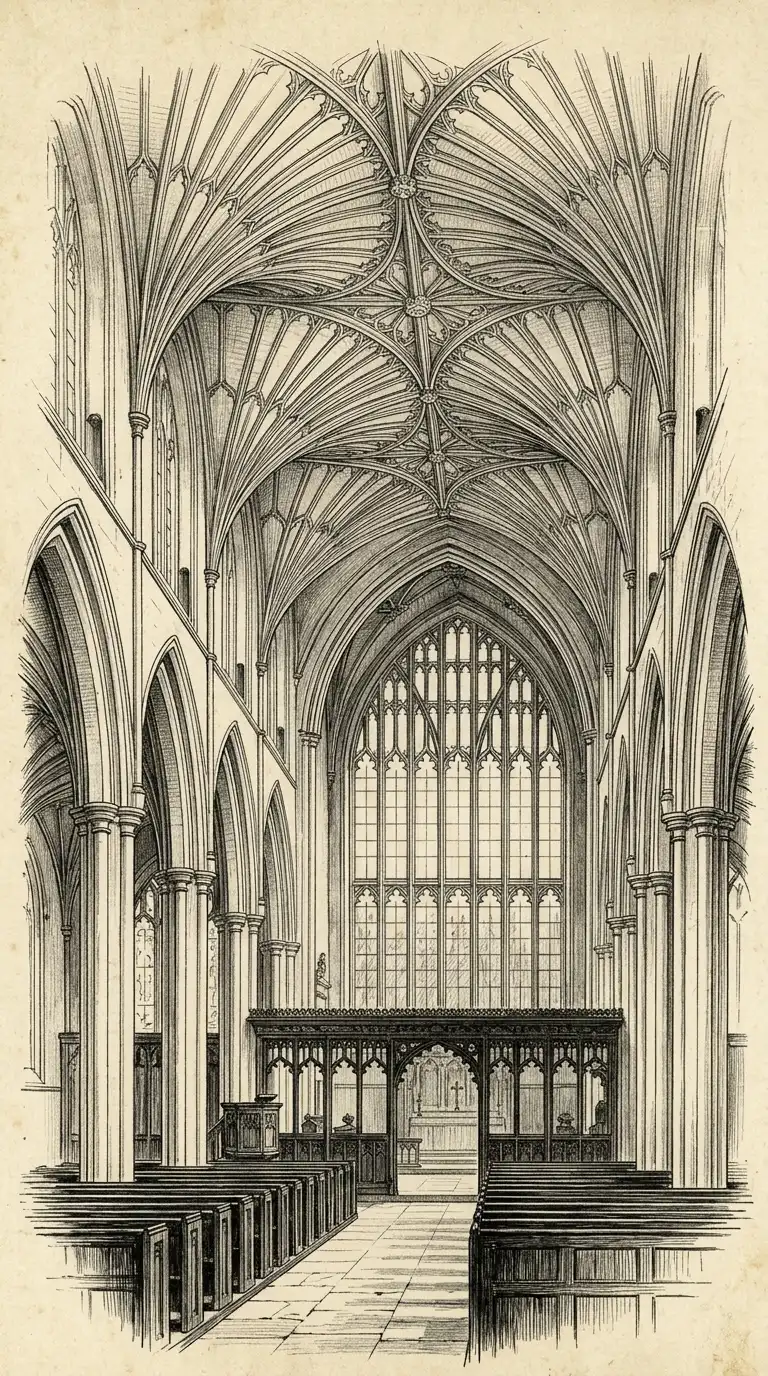
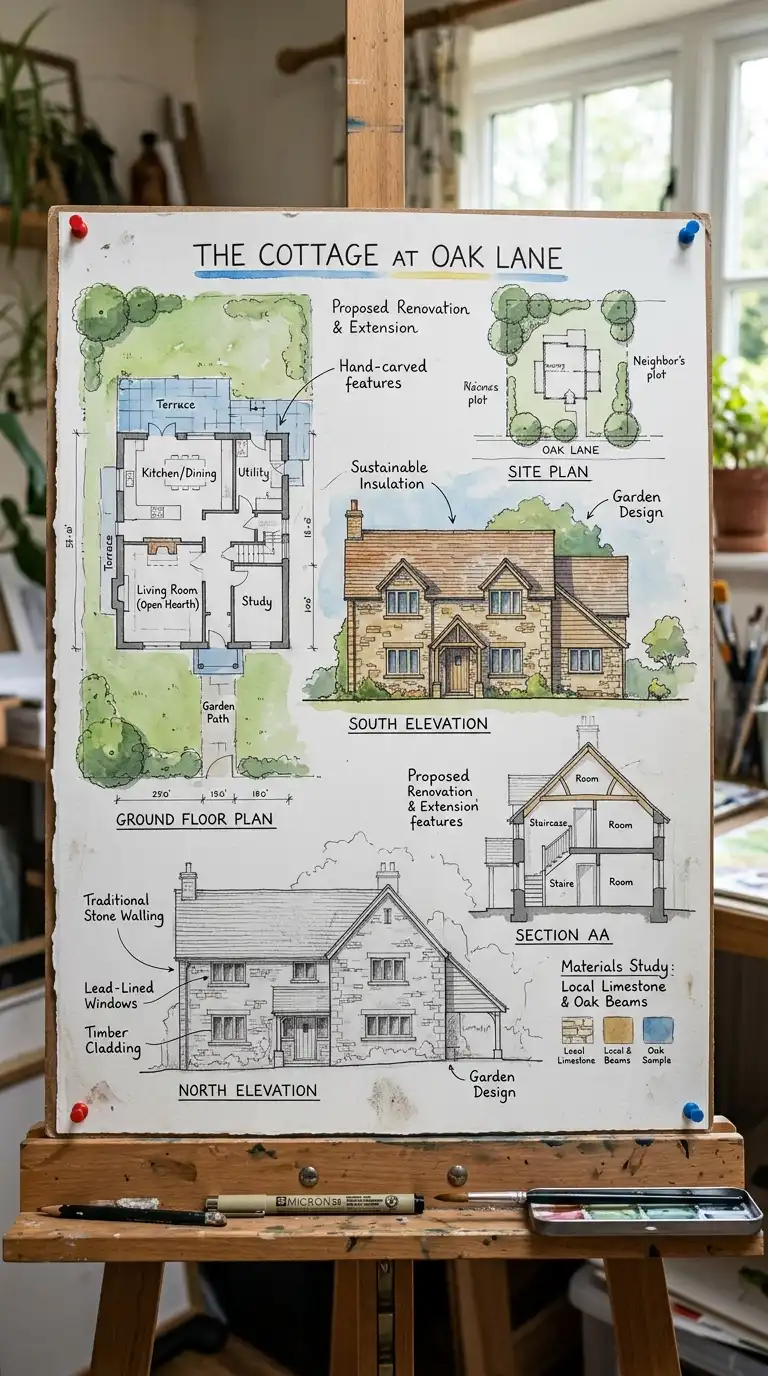
11. The Hand-Drawn Presentation
The hand-drawn presentation uses no digital tools. All drawings are hand-drawn: pencil, ink, watercolour. The drawings are mounted on boards. The handwriting is the typography.
This presentation type is ideal for emphasising craft and process. The emotional effect is personal, authentic, and warm.
Quick Tips
- Draw at final presentation size — do not reduce copies.
- Use consistent line weights and hatching across all drawings.
- Write neatly — hand lettering is part of the aesthetic.
12. The Comparative Presentation
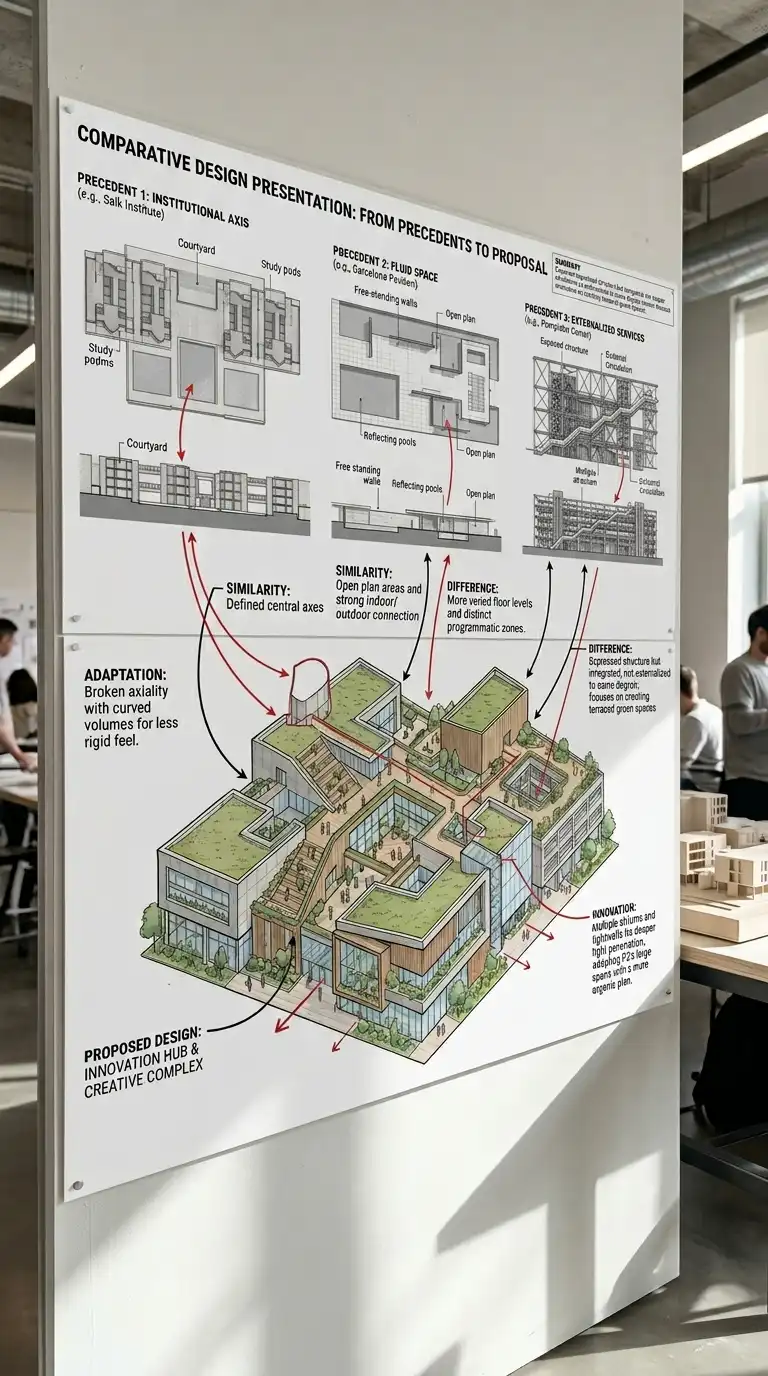
The comparative presentation shows the proposed design alongside precedents. The precedents might be historical buildings, contemporary projects, or the architect’s own earlier work. The comparison is visual and diagrammatic.
This presentation type demonstrates that the design is situated within a larger architectural conversation. The emotional effect is erudite, contextual, and persuasive.
Quick Tips
- Use the same drawing type (plan, section, elevation) for all comparisons.
- Highlight similarities and differences with colour or notation.
- Keep the proposed design visually distinct from precedents.
Final Thoughts
An architecture presentation is not a portfolio. A portfolio is a collection of work. A presentation is an argument. It has a thesis, evidence, and a conclusion. The best presentations are not comprehensive — they are selective. They leave things out. They focus on what matters.
These 12 presentation ideas are not mutually exclusive. A hand-drawn presentation can include a before-and-after comparison. A digital interactive presentation can show a process sequence. A model-first presentation can include a large-scale section. The best presenters choose the format that fits the project, the audience, and the moment.